Regatta day: sign-on kiosk and dolly tags
Two tools for the sign-in desk and the dinghy park — an iPad sign-on page that subscribes sailors to their photos, and printed dolly tags you can scan.
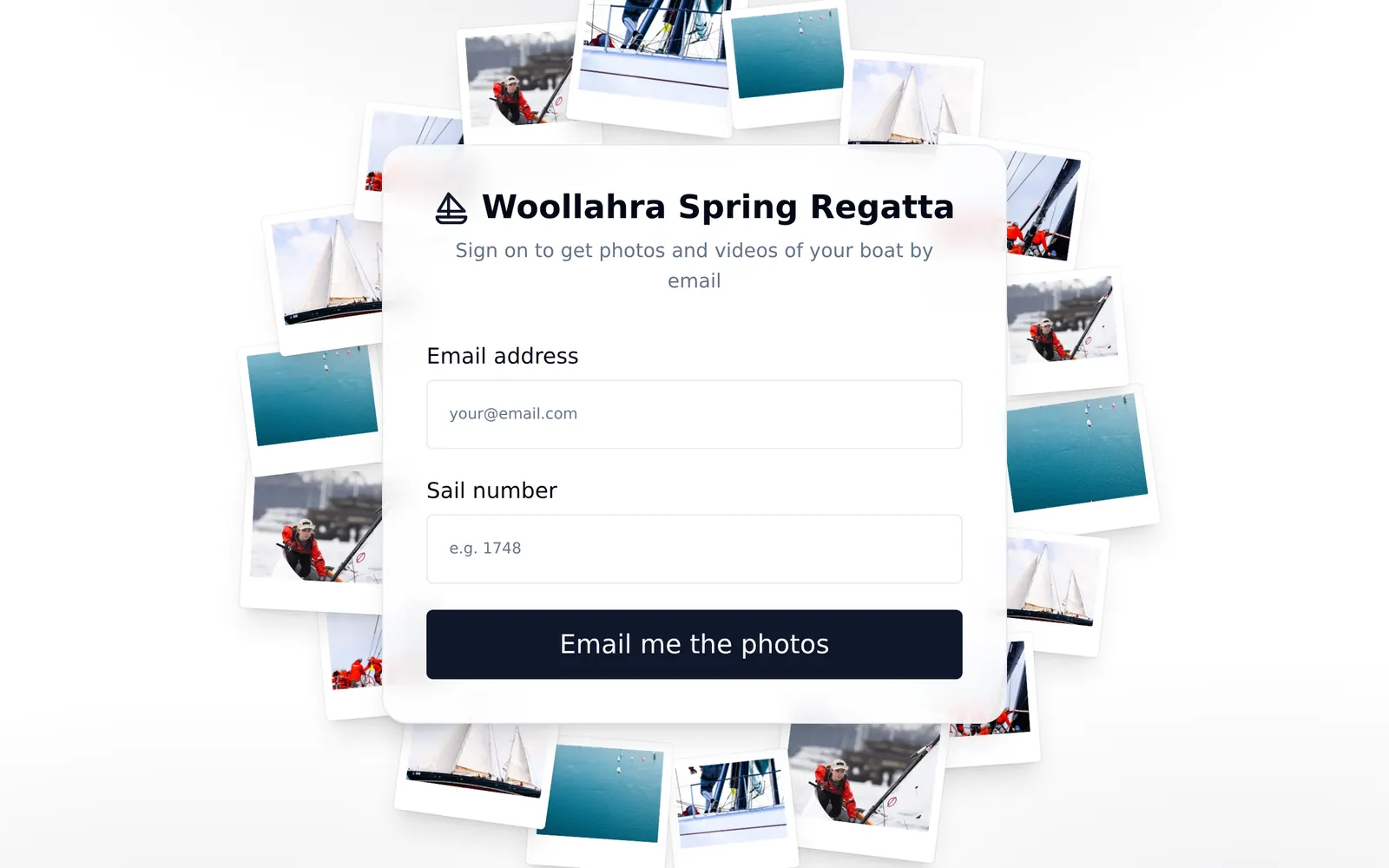
We built these two tools in the week before a 150-boat dinghy regatta, to fix two problems every club running a big event will recognise.
Sign-on at the desk
Put an iPad on the registration desk with the event's sign-on page open. Sailors type their email and sail number, the iPad plays a start horn, and they're subscribed to their boat's photos from the regatta.
They get an email that signs them in on their own phone. The iPad never stays signed in to anyone's account, so the next sailor can step straight up.
Dolly tags that scan
Once the boats launch, the dinghy park fills with dollies, and someone has to make sure the right one is waiting when each boat comes ashore.
Organisers can now paste in the entry list and print a tag for every dolly on a Dymo label printer: class, fleet, sail number, sailor name and a QR code. In the park, scan a tag with a phone camera to mark that dolly launched or returned, with a different sound for each so you can work without looking at the screen.